 Rollfolio
A little space for what matters
Your camera roll,
in focus.
One photo. One decision. Keep the moments you love, add them to an album, or set the rest aside for a final review.
Preparing for App Store release · iPhone · iOS 18 or later
A familiar rhythm
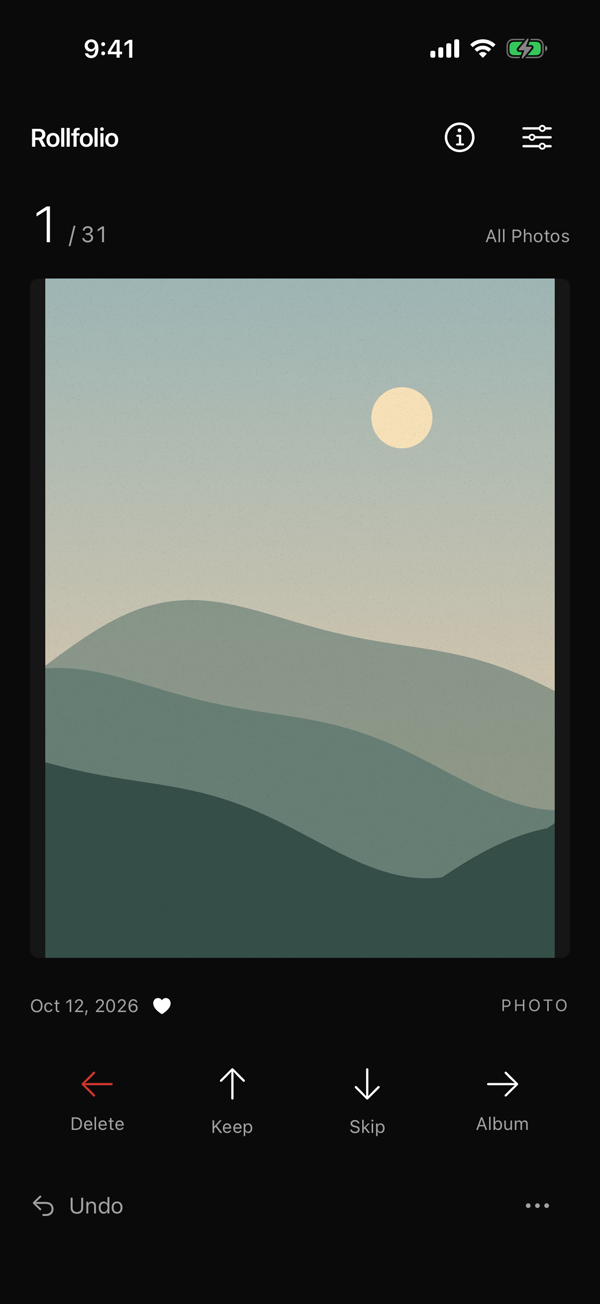
Four directions.
A clearer library.
Delete
Set it aside. Every deletion waits in a queue for your final confirmation.
Organize
Add it to an album. Recently used albums are close at hand.
Keep
Leave it exactly where it is and move on to the next moment.
Skip
Not sure yet? Come back to your skipped items when you're ready.
You stay in control
Nothing disappears
with a swipe.
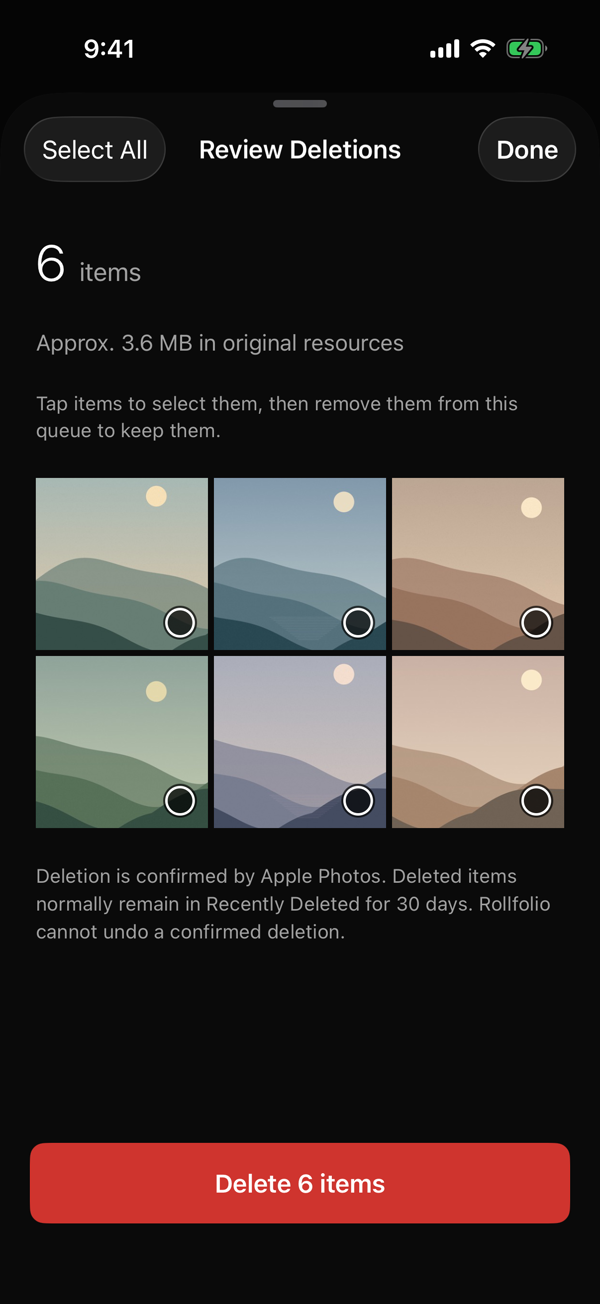
Review the thumbnails. Remove anything you want to keep. Only request deletion when you're certain.
- Undo up to 50 recent decisions.
- Reverse album memberships introduced by Rollfolio.
- Recover confirmed deletions through Apple Photos' Recently Deleted, when available.
Made for your everyday library
Start anywhere.
Pick up where you left off.
Your pace
Progress and your deletion queue are saved on your iPhone. Closing the app doesn't mean starting over.
Your perspective
Review all accessible photos, unorganized items, the last 30 days, favorites, videos, a date range, or skipped items.
Your way
Photos, videos, and Live Photos. Dark and light appearances. Labeled buttons and VoiceOver actions alongside every swipe.
See the real app
Less sorting.
More moving on.
A short, in-app preview recorded with an original sample library. No personal photos are shown.
Your library
stays yours.
No account. No photo uploads. No advertising, analytics, or AI in the app. Rollfolio works locally with Apple's Photos framework and stores decisions—not copies of your media.
Read the privacy policy